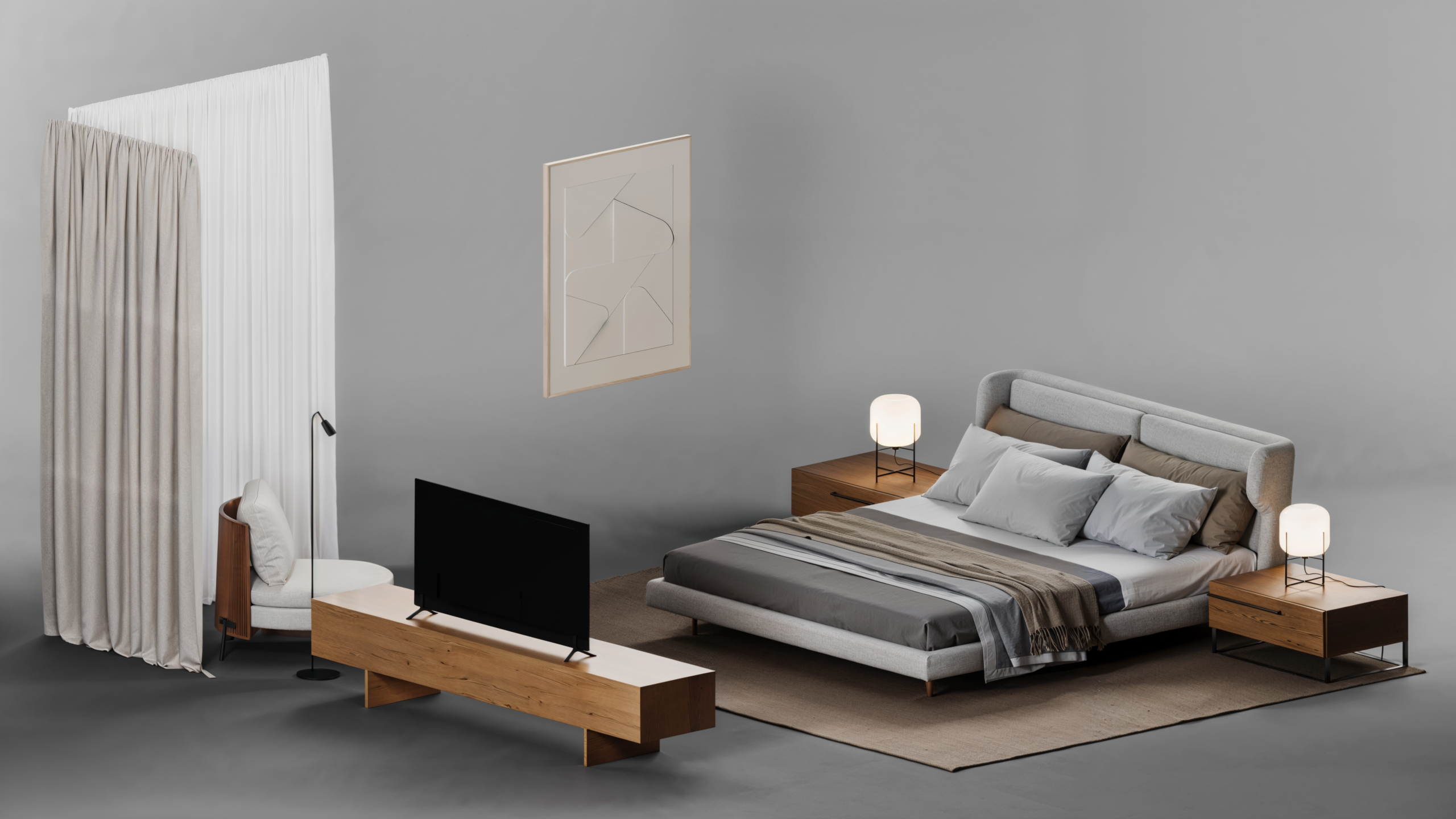
Learn how to model architectural projects using the most powerful software in the world, fast and without complications.
In this video, you’ll understand why mastering 3ds Max can be the smartest move for your career, and how to start today even if you’ve never used the software before.
When I learned 3ds Max, everything changed. I was just a sketch artist with a dream: to create realistic images like the top international artists. I tried learning on my own. Gave up four times. Then I realized I didn’t need to know everything, just what actually works. From that point on, things got easier. I gained quality, speed, and creative freedom. Now it’s time to show you this same path, hands-on, straight to the point, and 100% focused on architecture and interior design.
The clearest, simplest, and most practical path to mastering 3ds Max
Step #01
Installation & Setup
We’ll download, install, and optimize 3ds Max specifically for architectural projects.
Step #02
Interface & Navigation
You’ll learn how to navigate the software and move confidently in 3D space. No more getting lost!
Step #03
Creation & Modification
This is where the magic happens. You’ll learn how to create objects and use the most efficient modifiers for architecture.
Step #04
Battle Zone
We’ll get hands-on and model a real environment, based on a project from Oficina 3D Studio.
And on top of all the content, you’ll get these bonuses too
Bonus #01
Downloadable Model
You’ll receive the workshop scene created by a professional, so you can explore and study exactly how the file was built from the inside out.
Bonus #02
Furniture Block Pack
You’ll get a starter library with furniture and decor blocks so you can build your own scene composition based on the workshop project.
He is the founder and CEO of OF3D Creative (formerly Oficina 3D Studio), one of the world’s leading architectural rendering studios.
He is also the mind behind OF3D Academy, an archviz school with over 9,500 students in more than 110 countries.
Ander is a renowned 3D artist with international recognition. He has worked with major architecture and design firms such as Zaha Hadid, Pininfarina, Studio Arthur Casas, Porsche Design, and others.
Some of his works have received international awards, including:
How much is it worth to master a skill that could change your life?
What I teach in this workshop was a turning point in my career and life. For years, I struggled to learn on my own. But now, you don’t have to go through that same pain.
At first, I was advised to charge US$ 57 for this content. And honestly, that’s what most of the market would do. But I don’t want price to be what stops you from experiencing the same transformation I did.
So today only, you can access all of this for just
US$57.00
US$
7
,00
In other words, for a symbolic price compared to everything you’ll learn and apply in practice, you’ll get access to the same content that many students used to transform their careers in the architecture and design industry.
Check out what some students are achieving with this knowledge:
What if I don't like it?
The chances of you not liking it are very slim, practically nil.
In any case, if you try the content and realize it's not for you, you have up to 7 days to ask for 100% of your investment back. No bureaucracy, no questions asked.
NOW IT'S YOUR TURN!
You’re looking at the opportunity to learn a proven method shaped by real-world practice, straight from the field. It has already transformed thousands of lives.
Do I need a degree in architecture to work with rendering?
You don’t have to! The best part of the rendering market is that you don’t need a degree to work in it. What you do need are images of above-average quality – and that’s what Masterviz was created for.
Does it work for those starting from scratch?
Totally. If you’ve never worked with 3D in your life, you’ll be able to learn with the most validated methodology on the market, avoiding all the difficulties that those who have been working in the market for years have had to face.
Do I need a powerful computer to apply what I learn?
Having a good computer helps, but it’s not mandatory. You’ll learn techniques to optimize the use of your machine and keep up with a basic computer. As you gain skills, you can upgrade.
How long will I have access to the training?
You’ll have access to all the lessons for 1 year. You can watch and re-watch as many times as you like, at your own pace. And at the end of the 1-year period, you can renew your access for a fraction of the price, if you wish (just call our support team).
How will I access the classes?
After completing your purchase, you will receive a login and password in your e-mail. You can then access all the content immediately on an exclusive and very intuitive platform.